
Build a Microsoft-connected employee intranet and create a secure digital workplace where employees can sign in with their corporate account, access company news, documents, training, dashboards, forms, business applications and media files, protected against unauthorized access.
A typical Microsoft 365 Employee Intranet may include Company news and announcements • Department portals • Employee directories • SharePoint document libraries • Training and onboarding content • Power BI dashboards • Internal business applications • Videos, downloads, and digital assets restricted to authorized users
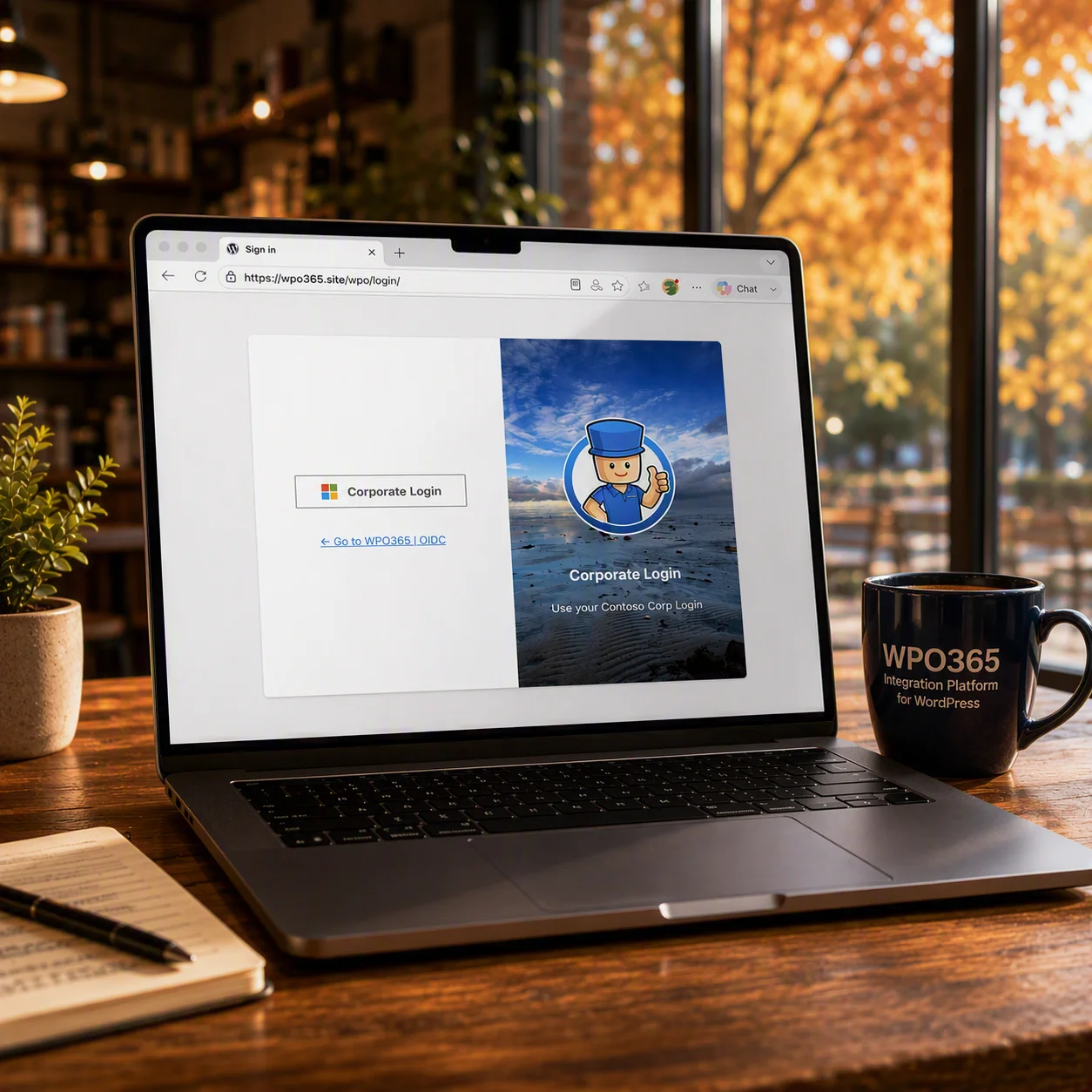
Allow employees to sign in using their Microsoft 365 accounts and restrict the site and uploaded content to authenticated users.
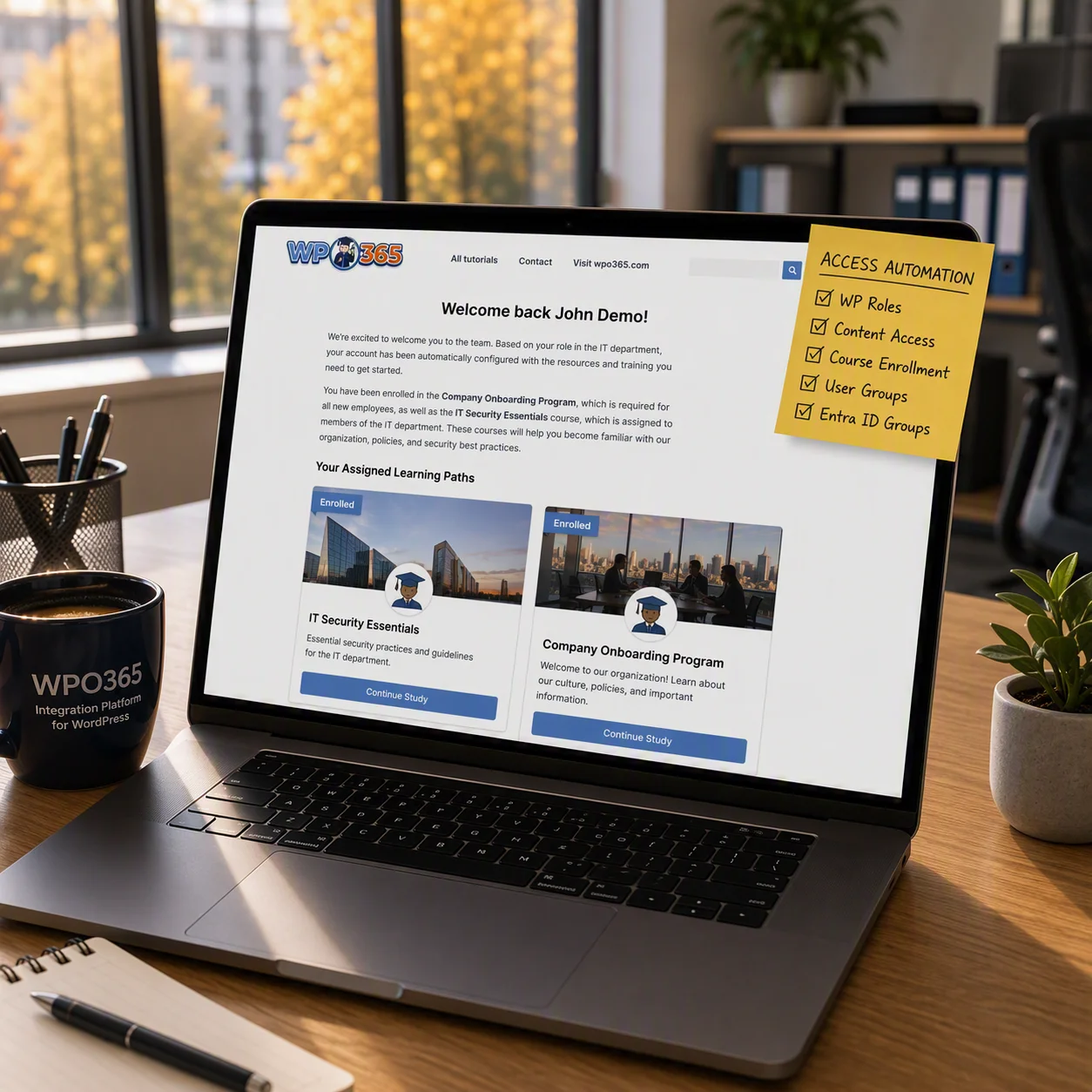
Show content based on department, location, or Entra ID group membership.
Automatically assign training courses and resources to new employees.
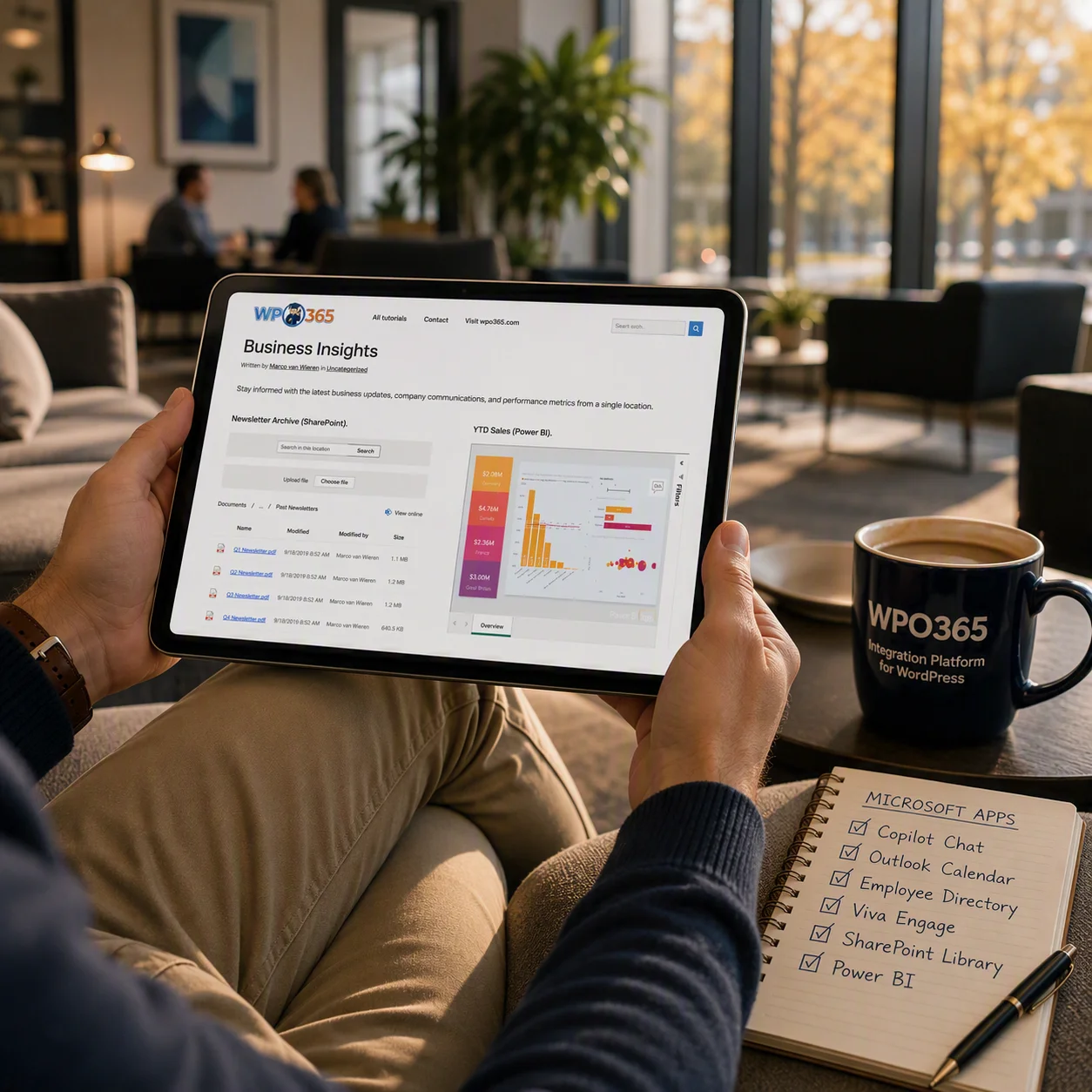
Embed Power BI dashboards and SharePoint content directly inside WordPress and display relevant information synchronized from Microsoft 365.
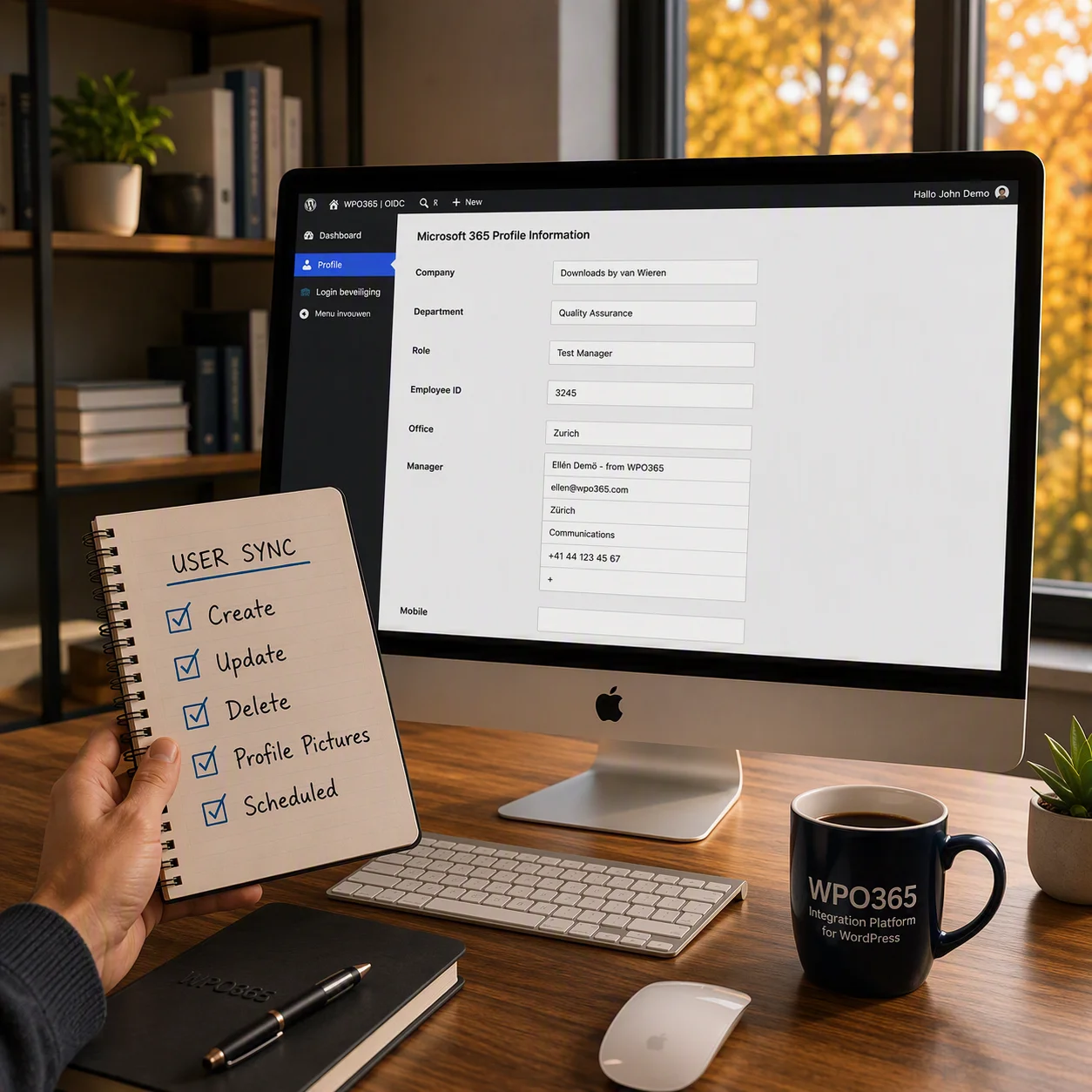
Keep user profiles including profile pictures synchronized and delete users when they left the organization.
… or get in touch
How can I help?