
Build a customer portal with WordPress and Microsoft technologies that allows customers to self-register, manage their accounts, and securely engage with your organization through a unified identity that provides access to customer portals, support services, training platforms, and other online resources.
Many organizations operate multiple customer-facing online systems, such as a support portal, learning platform, download center, and other business applications. WPO365 helps connect WordPress to Microsoft’s customer identity platform, enabling customers to securely access these self-service resources using a single identity across all services. At the same time, organizations benefit from a central place to manage authentication, customer profiles, and access.
A typical Microsoft-connected Customer Portal may include Customer self-registration • account and profile management • service requests and support resources • product documentation and downloads • training materials and tutorials • customer-specific dashboards and reports • secure access to resources without a Microsoft 365 workforce account • single sign-on across multiple customer-facing services
Allow customers to register, sign in, and access resources using a modern customer identity and access management (CIAM) platform.
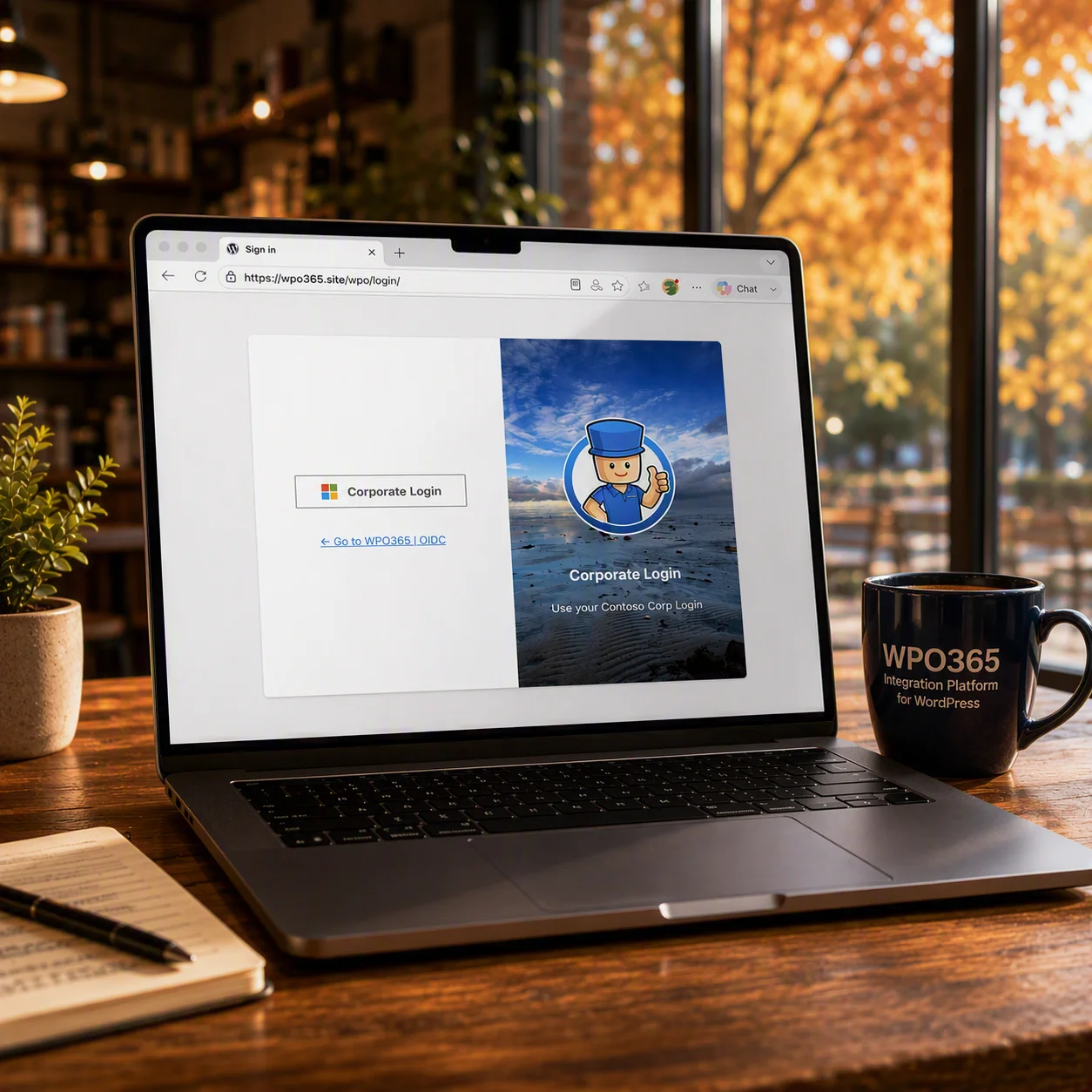
Sign in to WordPress with Azure AD B2C and Entra External ID.
Support for local accounts and social login e.g. Facebook and Google.
Self-service password reset and account recovery
Reuse the same customer identity across multiple customer-facing applications and services
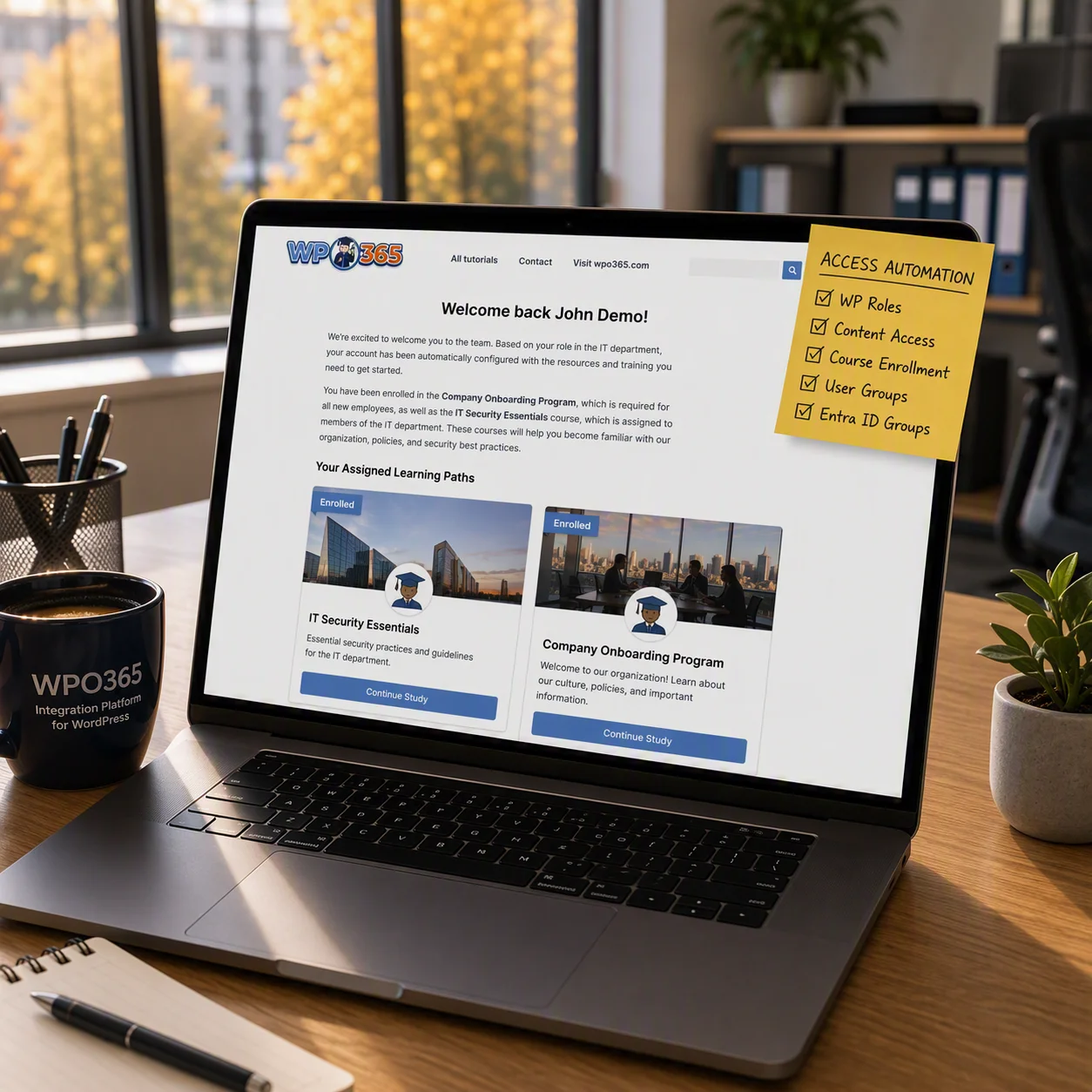
Show or hide content based on user attributes and group membership.
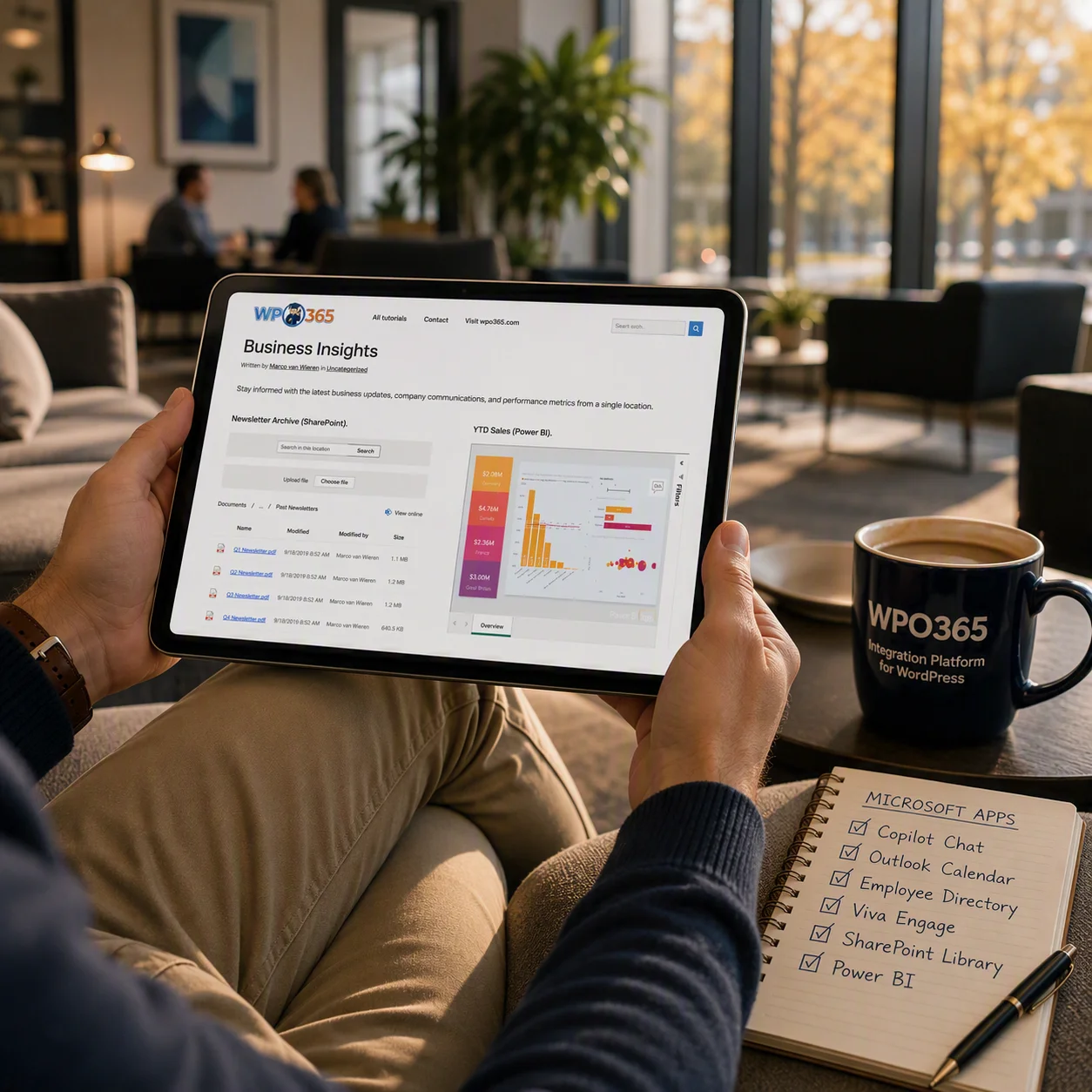
Provide customers with secure access to documents, downloads, dashboards, and business information without requiring a Microsoft 365 workforce account.
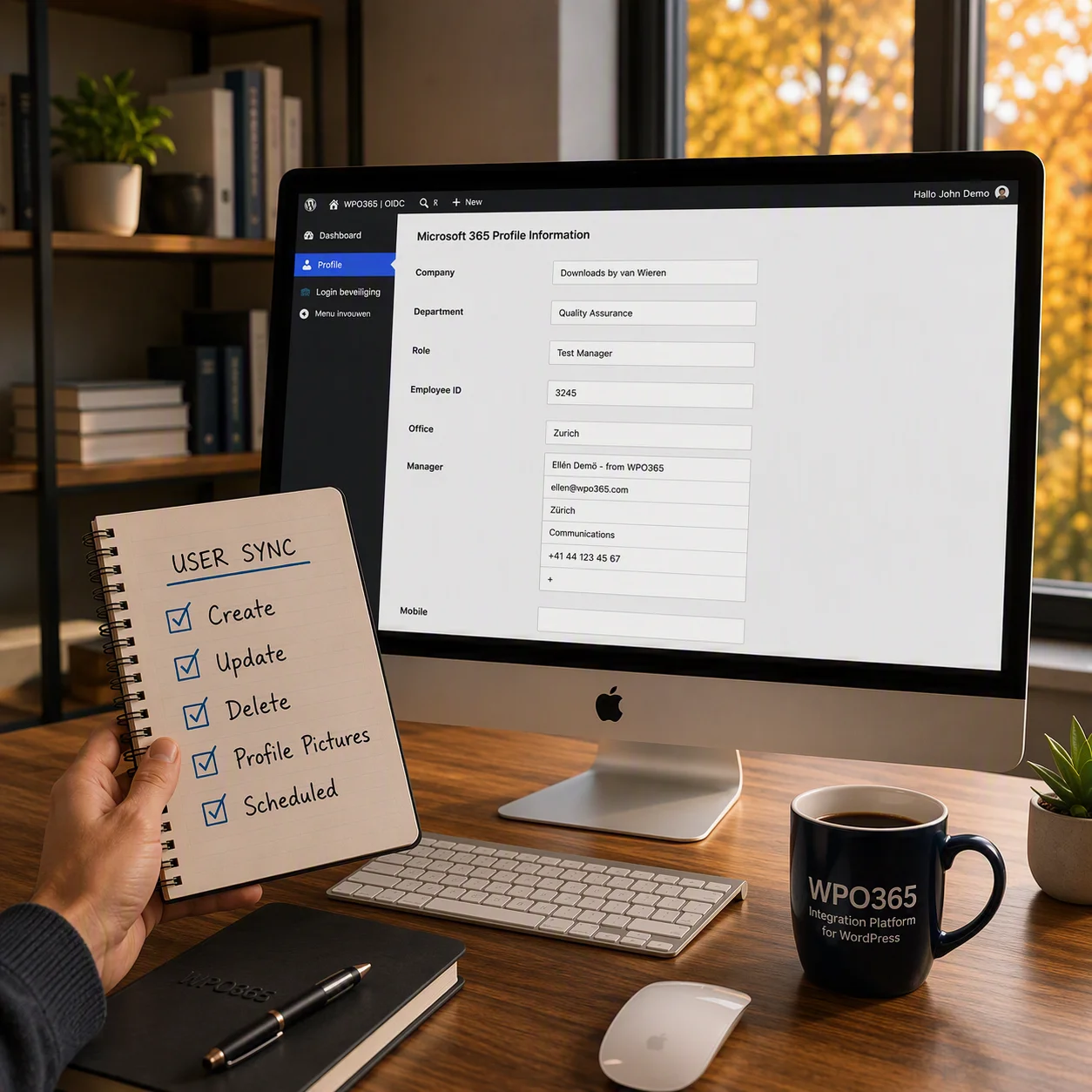
Keep customer accounts, profiles, and permissions synchronized across WordPress and Microsoft’s customer identity platform throughout the customer lifecycle.
… or get in touch
How can I help?